 QuizScreen
Evidence-based guide
Build a Phone-Free Study Session You Can Repeat
The strongest study setup is usually simple: decide the work, remove cues, protect essential access, and make the next break explicit.
Tested workflow
How to set it up
- 1Write one outcome that can be completed in the session.
- 2Prepare the notes, files, water, and tools you need before starting.
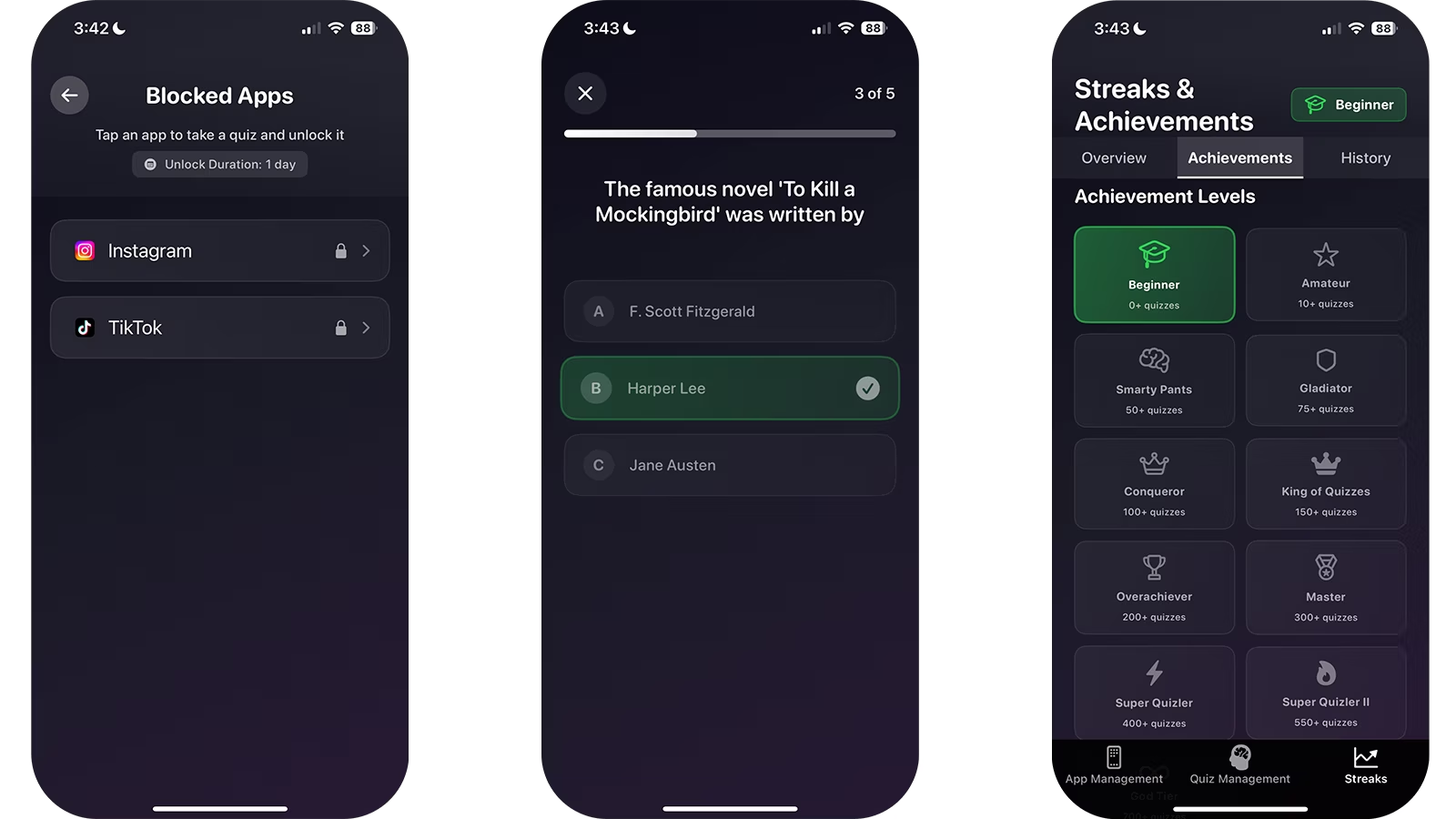
- 3Move the phone away or block only the apps that are unrelated to the task.
- 4Set a visible timer and keep a paper capture list for later tasks.
- 5At the end, record what was completed and schedule the next action.
Keep essential access
Phone-free does not have to mean unreachable. Leave calls from important contacts available, keep required authentication tools accessible, and avoid blocking apps needed for the actual course.
Review the system, not your character
If you repeatedly bypass the block, inspect the session design. The task may be unclear, the break too distant, or the phone still too visible. Change the environment before labeling the problem a lack of discipline.
Limitations and fit
- Some students need a phone for accessibility, safety, work, caregiving, or course tools.
- A strict phone-free setup is not appropriate for every situation.
- Blocking software does not prevent every distraction on every device.
Questions and answers
What if I need two-factor authentication?
Keep the authentication app available or complete sign-in before the session begins.
Should breaks include phone time?
They can, but decide the purpose and duration before opening the app. A timer can keep the break finite.
Sources
- Use Screen Time on your iPhone and iPad — Apple Support
- Brain Drain: The Mere Presence of One’s Own Smartphone Reduces Available Cognitive Capacity — Journal of the Association for Consumer Research