 QuizScreen
Free study tool
Student Phone Distraction Calculator
The calculator estimates direct phone-checking time with three inputs: checks during study per day × average minutes per check × study days per week. Monthly time uses 4.33 weeks, and 25-minute equivalents divide weekly minutes by 25. It does not add an assumed refocusing penalty or predict grades.
Interactive estimate
Estimate time lost to intentional and unintentional phone checks
This is arithmetic, not a clinical assessment. Use your own Screen Time report to choose realistic inputs.
3.3
Hours each week
14.4
Hours each month
8.0
25-minute focus blocks
Tested workflow
How to set it up
- 1Open your iPhone Screen Time report and note the relevant app pickups or opens.
- 2Estimate how many checks happen during study rather than across the entire day.
- 3Use a conservative average duration for each check.
- 4Compare the result with the number of focused study blocks you planned.
- 5Change one variable for a week, then measure again.
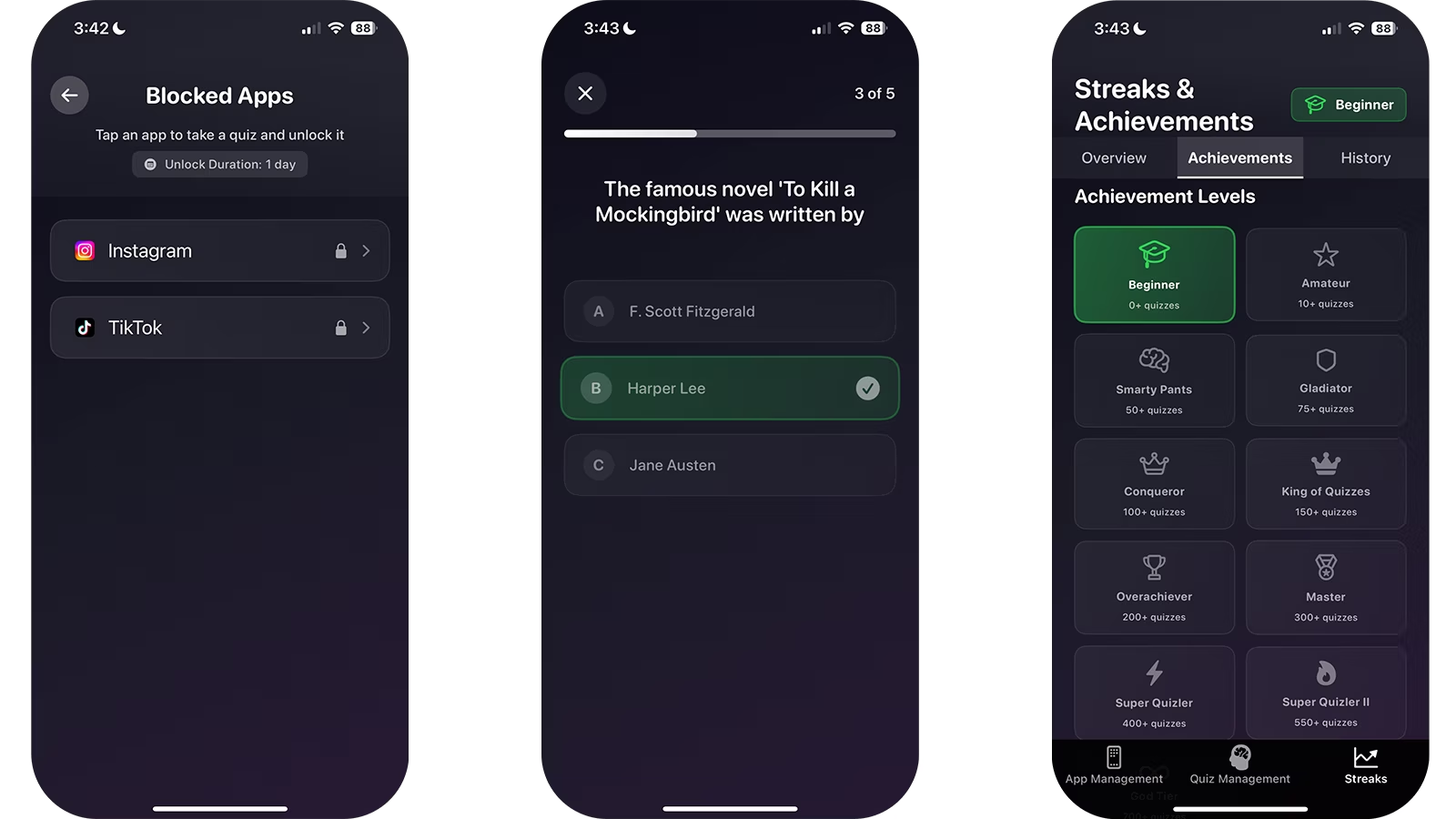
What the estimate includes
The calculator multiplies checks per study day by minutes per check and study days per week. It also converts that direct time into 25-minute blocks.
It deliberately does not estimate a universal refocusing penalty. The cognitive effect of a phone varies by person, task, environment, and study design.
Formula and worked example
Weekly minutes = checks during study per day × average minutes per check × study days per week. Monthly hours = weekly minutes × 4.33 ÷ 60. Equivalent 25-minute focus blocks = weekly minutes ÷ 25.
Example: 20 checks × 2 minutes × 5 study days = 200 minutes, or 3.3 hours per week. That equals about 14.4 hours per month or eight 25-minute blocks. The example describes direct checking time only.
Methodology and privacy
Use Apple Screen Time or a short observation log to choose conservative inputs. Separate study-time checks from all-day pickups and rerun the estimate after changing one behavior.
All calculations run locally in the browser. QuizScreen does not transmit, retain, or use the entered values for analytics.
Verified claims
The result is simple arithmetic using only visitor-provided inputs; the calculator does not upload or store those inputs.
Sources: QuizScreen
The calculator deliberately avoids applying a universal attention or refocusing penalty because smartphone effects vary by person, task, context, and study design.
Sources: Frontiers in Psychology
Firsthand evidence
Limitations and fit
- The output is an estimate based entirely on the numbers you enter.
- It does not diagnose addiction, ADHD, anxiety, or any other condition.
- It does not predict grades or include an assumed refocusing time.
Questions and answers
Does the calculator upload my data?
No. The calculation runs in your browser and the inputs are not submitted or stored by QuizScreen.
Where can I find realistic inputs?
Use Apple’s Screen Time report as a starting point, then estimate which checks happened during study.
Sources
- Use Screen Time on your iPhone and iPad — Apple Support
- Smartphones and Cognition: A Review of Research Exploring Mobile Technology Habits — Frontiers in Psychology